
OUR SERVICES
Complete Genius POS deployment for ISOs.
Go Live manages the entire process — from the first demo through go-live and ongoing support — so ISOs can sell Genius POS with confidence, without having to build their own implementation and support team.
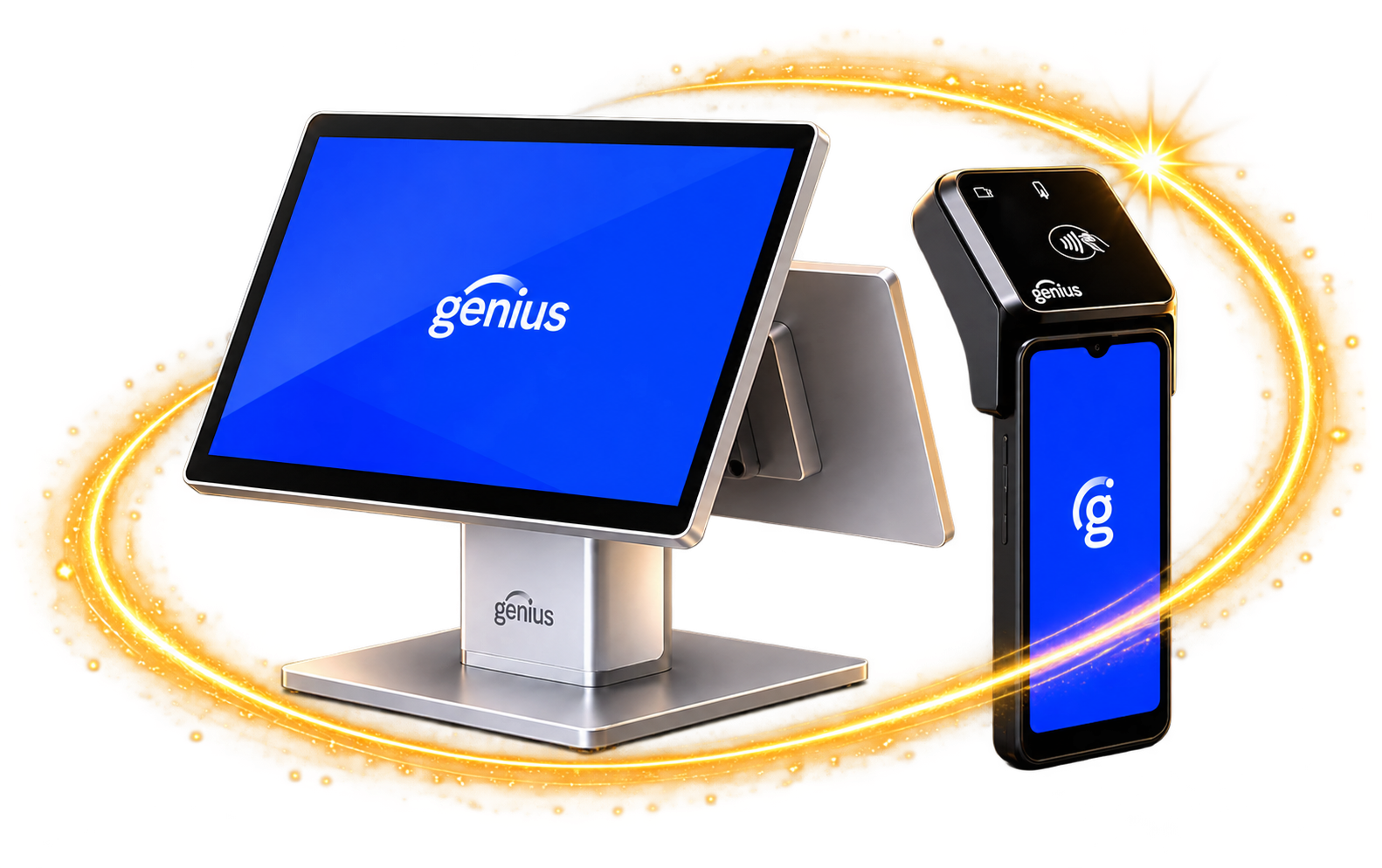
Demo to go-live, end to end
No infrastructure for you to build
24-hour support after launch
THE DEPLOYMENT LIFECYCLE
Everything we handle on your behalf.
From the first merchant conversation to the day-to-day after go-live, we own every step in between. Your ISO sells the deal. We handle everything that comes after — here's how.
STEP 1
Product Demonstrations
We join your sales team or lead the demo to showcase Genius POS and how it solves your merchant's real-world challenges.
Live Genius POS product demonstrations
Feature walkthroughs tailored to merchant operations
Answer questions and address functionality needs
STEP 2
Operational Discovery
We evaluate the merchant's workflow, processes, and requirements to design a solution that fits the way they operate.
Workflow analysis and discovery
Requirements gathering
Recommendations for optimal setup
STEP 3
Hardware Planning
We recommend the right hardware configuration based on the merchant's environment, volume, and operational needs.
Terminal, printer, and peripheral recommendations
Network and infrastructure guidance
Scalable configurations for future growth
Key Differentiator
STEP 4
Menu Build & Programming
Complete menu setup: modifiers, pricing, routing, reporting, and configuration for a successful launch. This is where our team's depth shows most.
Menu build with modifiers, pricing, and routing
Taxes, discounts, combos, and scheduling
Menu testing and validation before go-live
STEP 5
Hardware Procurement
We source and supply all required hardware so your merchant has everything needed for a successful deployment.
Competitive pricing through our vendor partners
Complete hardware kits, staged and shipped
Inventory management and fulfillment
STEP 6
Installation
Professional installation by experienced technicians ensures a smooth, efficient deployment.
ON-SITE INSTALLATIONS
Typically 2–3 days plus travel
REMOTE INSTALLATIONS
Typically a 3-4 hour guided session
STEP 7
Training
We provide comprehensive training for managers, employees, and ownership to ensure confidence from day one.
Manager and employee training
Role-based training programs
Refresher and advanced training available
STEP 8
Ongoing Support & Maintenance
24-hour technical support, software updates, system maintenance, and continued training.
24-hour technical support
System updates and patch management
Hardware changes, additions, and repairs
Additional training as needed
what it means for you
We manage the entire process, start to finish.
From the initial demonstration and discovery through installation, training, and ongoing support — every stage is covered. That means you can confidently sell Genius POS without building your own installation and support infrastructure.
No implementation team to hire
Our technicians deploy in your name.
No support desk to staff
24-hour coverage is included.
No hardware logistics
We source, stage, and ship the kit.
No menu-build burden
Genius experts do the programming.
APPS & DELIVERY CONNECTIONS
Connected to the platforms restaurants rely on.
We also migrate merchants coming from Toast, SpotOn, and Square — rebuilding their menus and integrations in Genius POS before the first live shift.
ONLINE ORDERING
SCOPED PER MERCHANT NEED
KDS KITCHEN DISPLAY
AND MORE 3RD-PARTY INTEGRATIONS





Ready for a better implementation partner?
Let's build the right solution–and a lasting partnership.